Wall Builder
Model constructible segmental retaining walls, plus natural stone and boulder walls. Include stairs, drainage, and modeled base and backfill for takeoffs.
What you can build
-
Walls and caps. Draw straight and curved wall paths with Standard Block, Natural Stone, or Boulder styles. Adjust courses, wall steps, batter, and block stagger. Filler blocks are automatically cut to fit. Caps are cut to fit, with an A/B cap option.
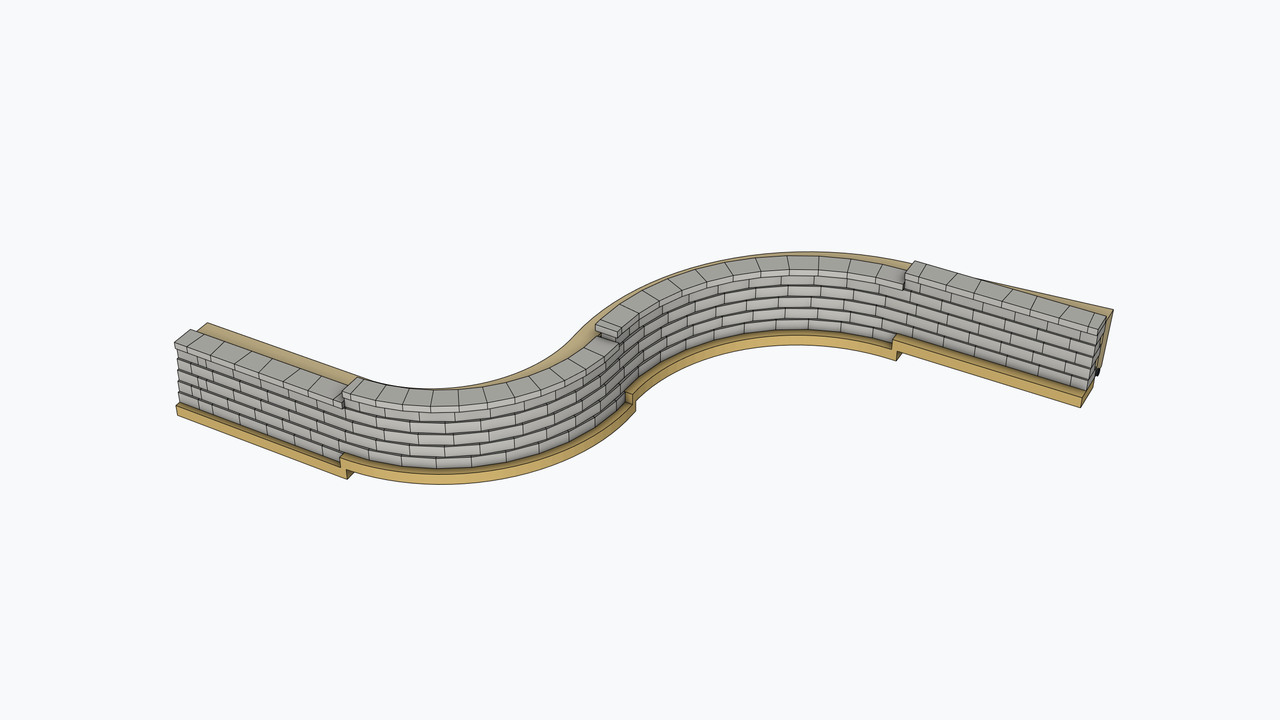
- Block Adjust. Move filler blocks to stagger seams.
- Base and backfill. Include base aggregate, backfill, and fabric with adjustable settings for the supported wall construction.
-
Drainage. Draw drain tile, wall grates and emitters for proper drainage. Include fittings and drain boxes.
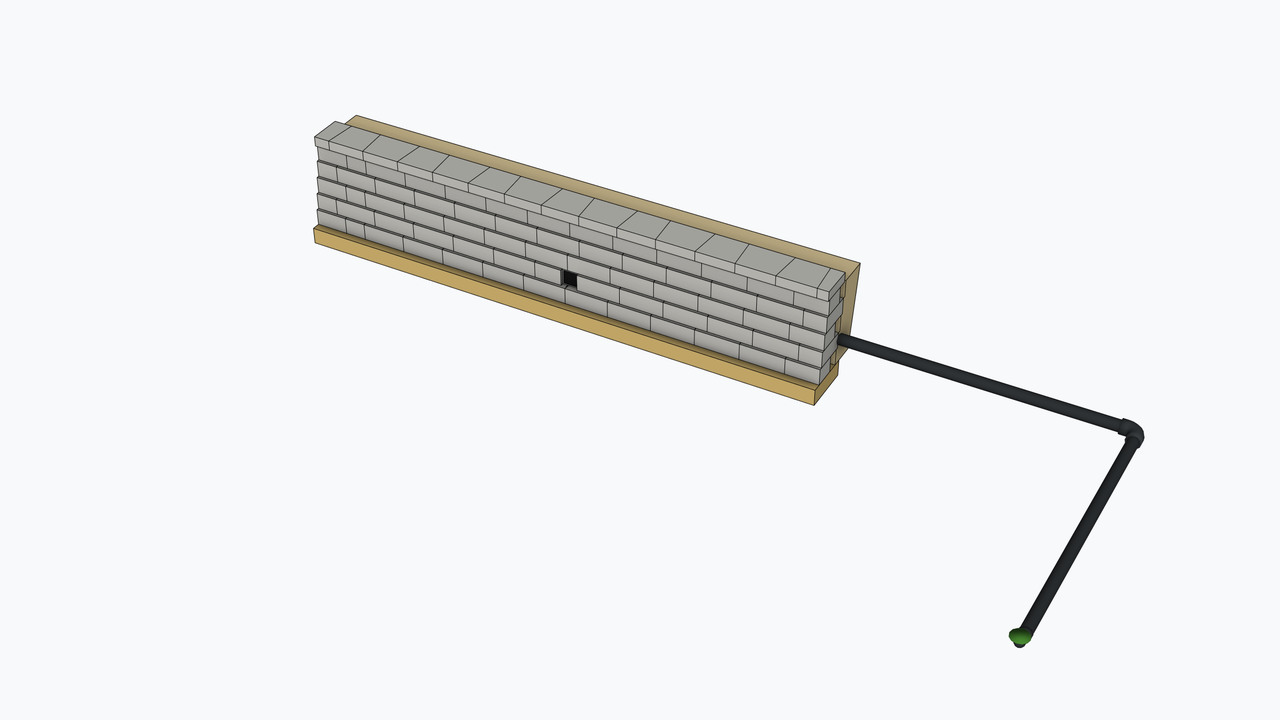
- Edit Drain Tile. Edit drainage on a selected wall or an independent drain-tile run.
- Materials. Use the Materials panel to choose preset or custom colors for blocks, natural stone, boulders, caps, stairs, construction layers, and drainage. Match cap colors to wall units and apply colors to selected walls. Appearance settings are saved with the model.


 Block Adjust.
Move filler blocks to stagger seams.


 Edit Drain Tile.
Edit drainage on a selected wall or an independent drain-tile run.
 Materials.
Use the Materials panel to choose preset or custom colors for blocks,
natural stone, boulders, caps, stairs, construction layers, and drainage. Match cap
colors to wall units and apply colors to selected walls. Appearance
settings are saved with the model.
How it works
Choose your settings. Set the wall type, courses, caps, base, and backfill.

-
Draw
Draw straight and curved wall paths, including stair spans, to create the model.
-
Edit
Select a supported wall to adjust its path, course profile, or layout.
-
Rebuild
Apply updated settings and rebuild the selected wall.