Softscape Builder
Draw softscape areas, place plants, boulders and steppers.
What you can build
-
Landscape areas and edging. Outline planting beds and sod areas with straight and curved boundaries. Add mulch, soil, or rock cover to beds, with optional edging and barrier layers.
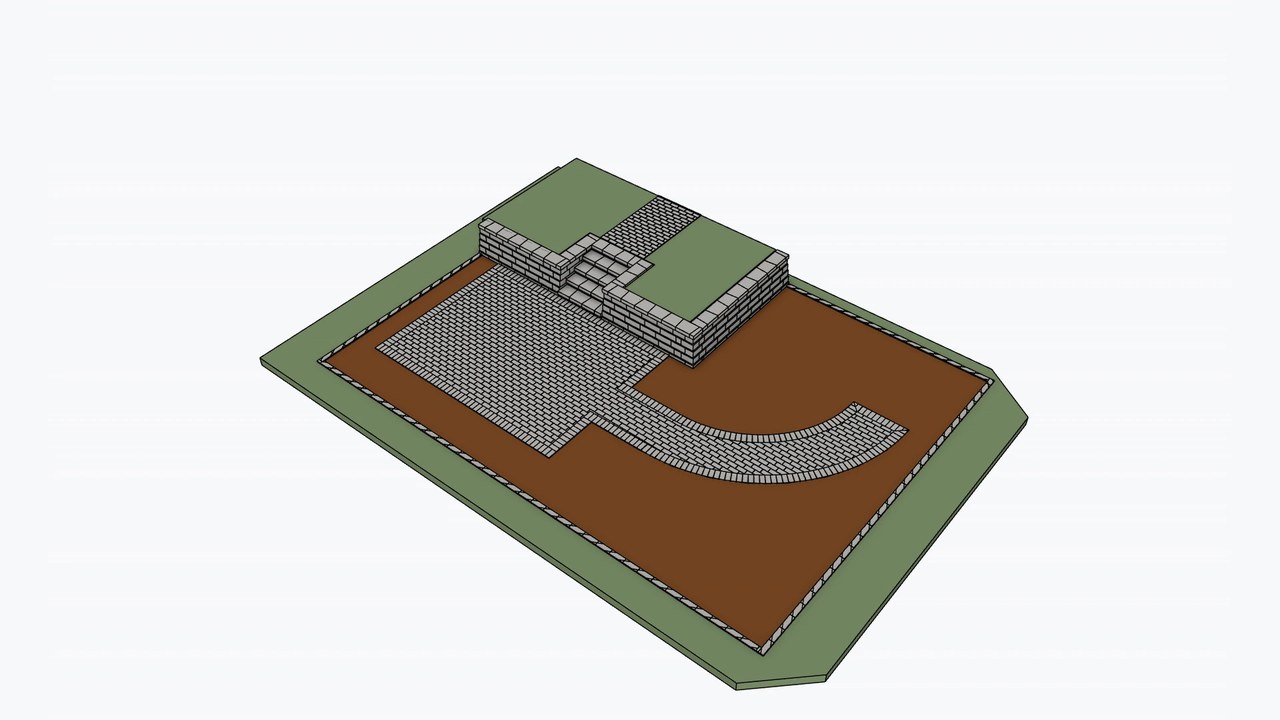
-
Steppers. Place individual stepping stones or arrange them along a path. Adjust shape, size, thickness, rotation, and spacing.
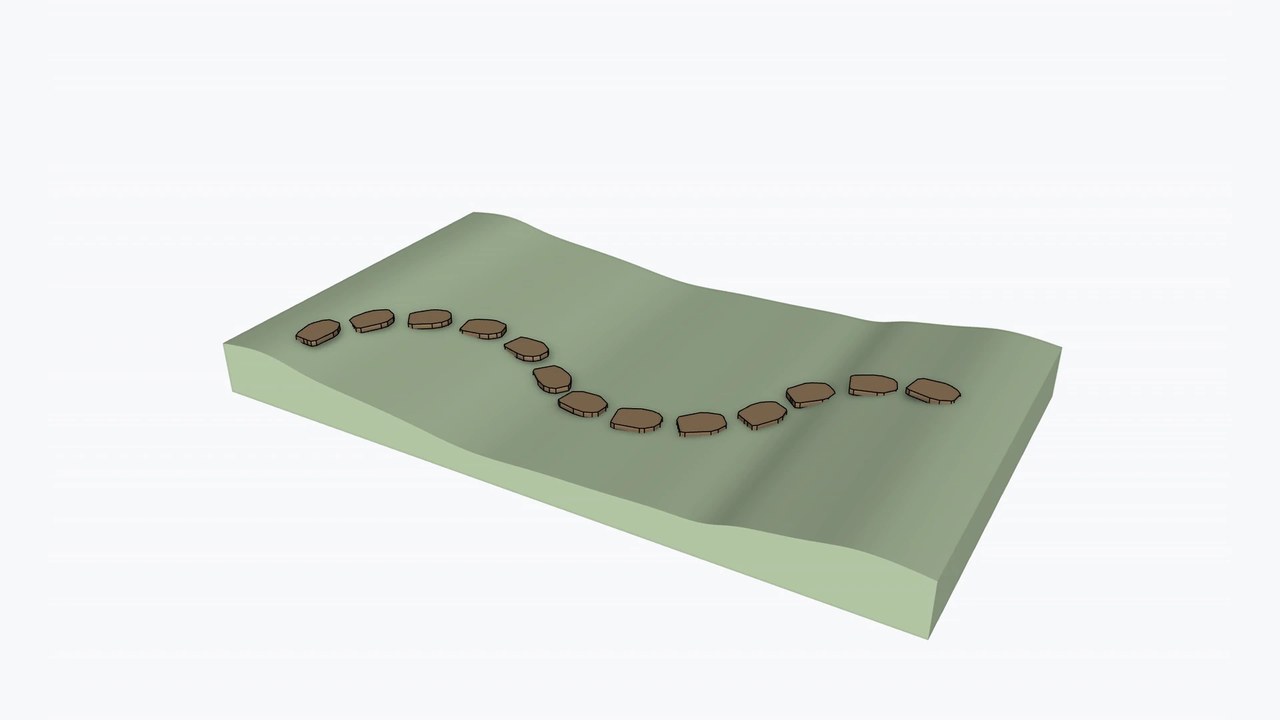
- Materials. Use the Materials panel to choose preset or custom colors for mulch, soil, rock, sod, edging, fabric and poly barriers, plant markers, and boulders. Save named colors for reuse, use existing SketchUp materials, and apply a material to selected faces, groups, or component instances.










 Materials.
Use the Materials panel to choose preset or custom colors for mulch,
soil, rock, sod, edging, fabric and poly barriers, plant markers, and
boulders. Save named colors for reuse, use existing SketchUp materials,
and apply a material to selected faces, groups, or component instances.
How it works
Choose your settings. Set the area type, cover, edging, and placement options.

-
Draw
Draw area boundaries or place plants, boulders and steppers.
-
Edit
Adjust supported footprints, placements, or feature settings.
-
Rebuild
Apply updated settings and rebuild the selected feature.